Game Loop Fundamentals for Web
Understand how the game loop works and why it’s the heartbeat of every interactive game.
Read ArticleLearn the math behind detecting when objects touch. We’ll implement rectangle and circle collision with code examples.
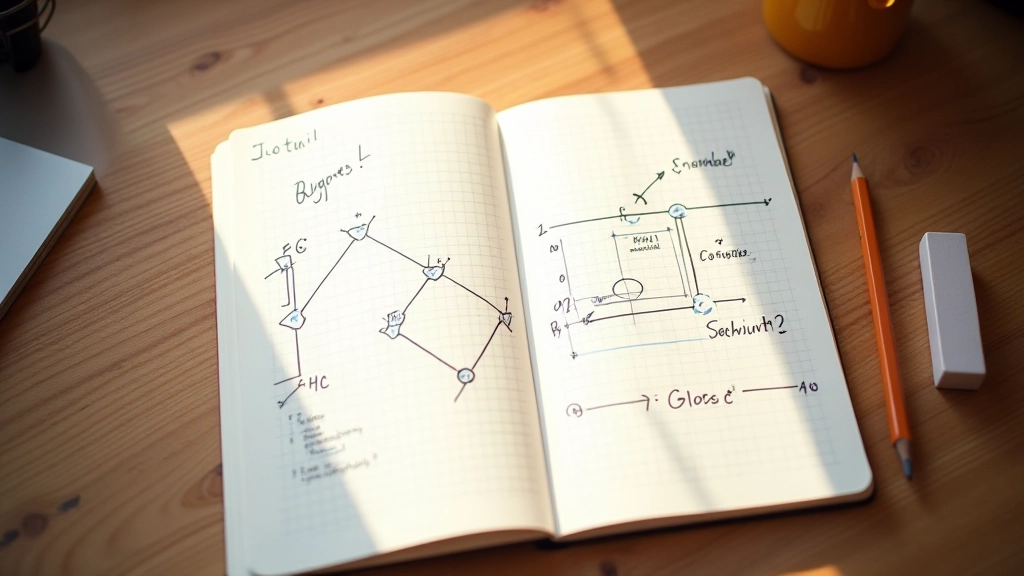

Every game you’ve ever played relies on collision detection. When your character jumps and lands on a platform, that’s collision detection. When a bullet hits an enemy, collision detection. It’s the fundamental mechanic that makes interactions feel real.
The good news? You don’t need advanced physics engines to handle basic collisions. We’re going to build two practical approaches that work for most game scenarios — axis-aligned bounding boxes and circle collision. These methods are fast, reliable, and you’ll understand exactly how they work.
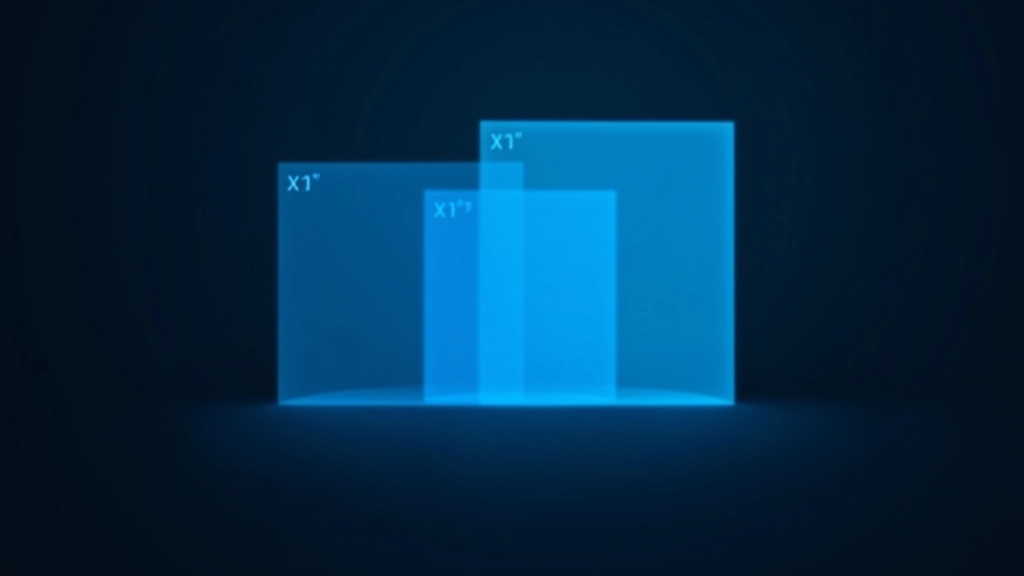
AABB stands for Axis-Aligned Bounding Box. It’s the simplest collision detection method and probably what you’ll use most often in 2D games. The idea is straightforward: wrap each game object in an invisible rectangle and check if those rectangles overlap.
Here’s the core logic. Two rectangles overlap if they satisfy four conditions simultaneously. The first rectangle’s left edge must be to the left of the second rectangle’s right edge. Its right edge must be to the right of the second rectangle’s left edge. Same thing vertically — top above the other’s bottom, and bottom below the other’s top. If all four are true, you’ve got a collision.
JavaScript Example
function checkAABB(rect1, rect2) {
    return rect1.x < rect2.x + rect2.width &&
                  rect1.x + rect1.width > rect2.x &&
                  rect1.y < rect2.y + rect2.height &&
                  rect1.y + rect1.height > rect2.y;
}
Circles are even simpler conceptually. Two circles collide when the distance between their centers is less than the sum of their radii. That’s it. One distance calculation and one comparison.
Why use circles? They’re great for fast-moving objects like bullets or power-ups. Unlike rectangles, circles don’t have rotation issues — they’re the same from every angle. Performance-wise, they’re also incredibly efficient. A single distance formula beats checking four separate edge conditions.
Circle Collision Code
function checkCircleCollision(circle1, circle2) {
    const dx = circle1.x - circle2.x;
    const dy = circle1.y - circle2.y;
    const distance = Math.sqrt(dx * dx + dy * dy);
    return distance < circle1.radius + circle2.radius;
}
Begin with AABB collision. It’s fast, accurate for most games, and easy to debug visually. You can always add circles later for specific objects.
Before integrating into your game loop, test your collision functions in isolation. Create unit tests or a simple canvas demo. Verify edge cases — objects touching at corners, completely overlapping, just barely colliding.
If you’ve got 50+ objects, checking every pair becomes expensive. Implement spatial partitioning — divide your game world into a grid and only check collisions within nearby cells. This optimization is crucial for larger games.
Detecting a collision is one thing. Responding to it properly is another. Don’t just change flags — move objects out of overlap, trigger events, apply physics. The response determines how good your game feels.

Once you’ve mastered AABB and circle collision, there’s more to explore. Polygon collision detection handles irregular shapes. Raycasting detects when something crosses a line. Quadtrees and spatial hashing make large-scale games performant.
But honestly? Most games don’t need that complexity. We’ve built games with thousands of objects using just these two methods plus smart optimization. The key is knowing when to add complexity and when to keep things simple.
The real skill isn’t memorizing formulas. It’s understanding the tradeoffs. AABB is fast but less accurate for rotated objects. Circles are forgiving but don’t fit all shapes. Pick the right tool for your game, implement it cleanly, and optimize only where you actually need it.

Collision detection isn’t magic. It’s straightforward geometry applied in your game loop. You’ve got the formulas. You’ve seen the code. You understand the tradeoffs between rectangles and circles.
The next step is integrating this into your game. Start with a simple test — two moving squares that bounce when they touch. Then add circles. Then scale up. You’ll run into edge cases and performance questions. That’s where learning actually happens.
Want to go deeper? Check out the related articles below. They’ll help you build the game loop that runs your collision checks and show you how to draw sprites that match your collision shapes. By the time you’re done, you’ll have a solid foundation for any 2D game you want to build.
This article provides educational information about collision detection concepts and basic implementation approaches. While the code examples are functional, specific performance characteristics and optimization requirements may vary based on your particular game engine, target platform, and game complexity. Always test implementations thoroughly in your own project context and consider consulting the official documentation for your chosen game framework or engine.