
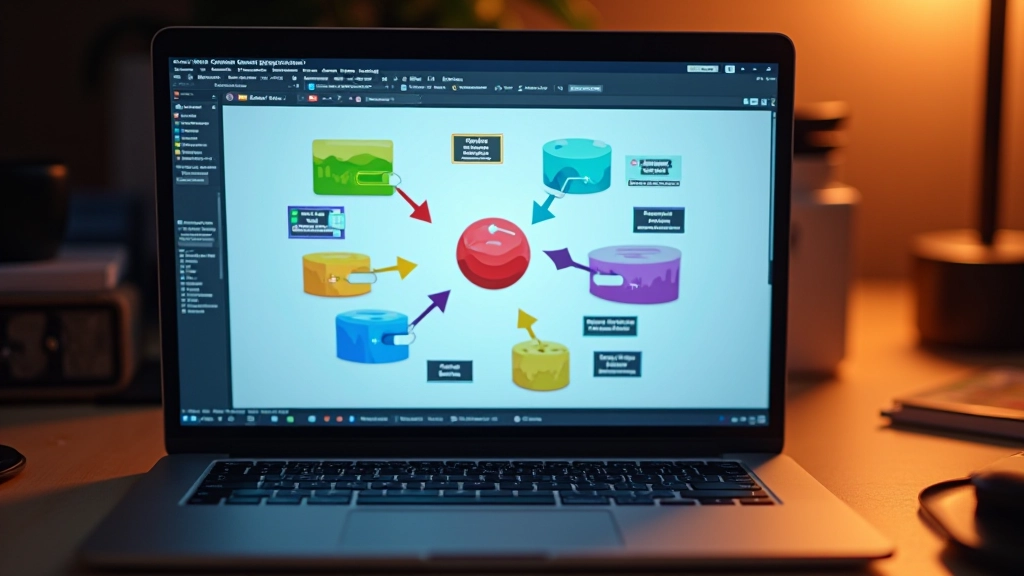
Game Loop Fundamentals for Web
Understand how the game loop works and why it’s the heartbeat of every interactive experience you create.
Read MoreLearn to build lightweight, playable games right in the browser. No engines, no complexity — just web standards and creative code.

Guides and tutorials for building your first browser games
Understand how the game loop works and why it’s the heartbeat of every interactive experience you create.
Read More
Start drawing shapes, sprites, and animations using the HTML5 Canvas API. We’ll keep it simple and visual.
Read More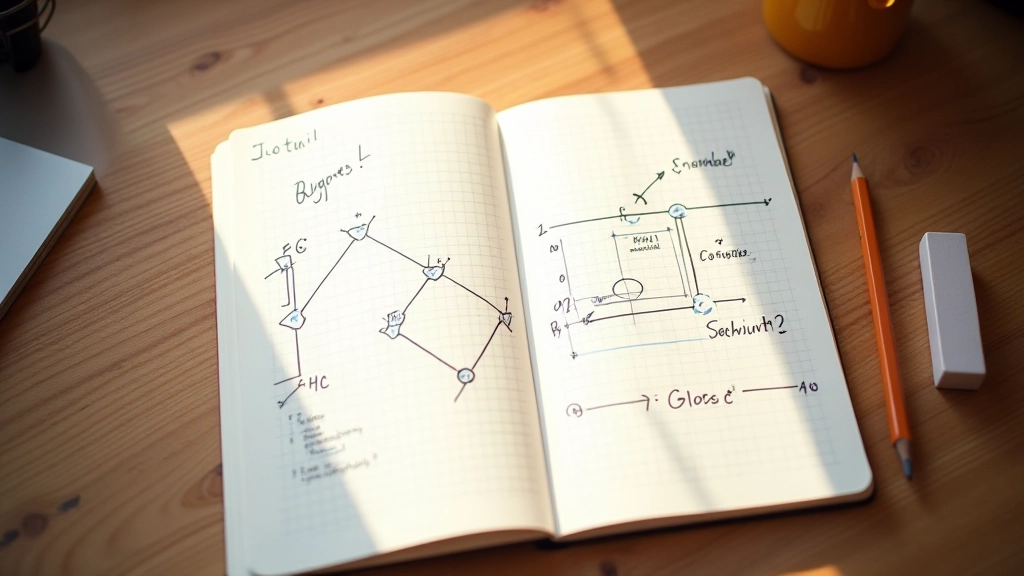
Learn the math behind detecting when objects touch. We’ll implement rectangle and circle collision with code examples.
Read More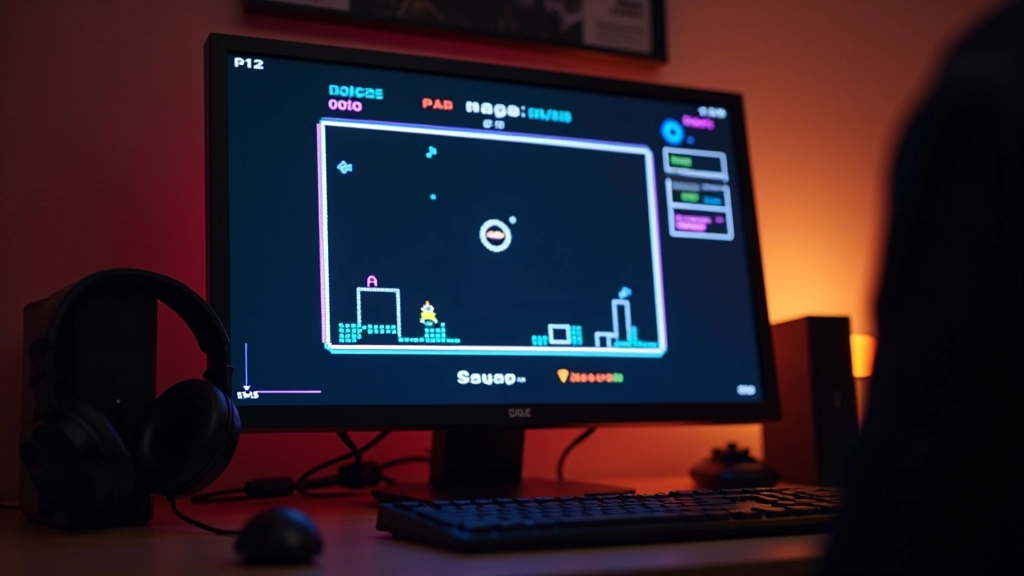
Combine everything you’ve learned into a small but fully functional game. Start with Pong, Breakout, or a simple shooter.
Read MoreA clear path from zero to your first playable game
Start with JavaScript basics and HTML5 Canvas. You don’t need to be an expert — just comfortable with variables, functions, and loops. Most developers pick this up in 2-3 weeks of consistent practice.
The game loop is the engine of every game — update, render, repeat. It’s simpler than you’d think. Once you understand this pattern, you’ll recognize it everywhere.
Keyboard and mouse events are your bridge to player control. Handle input, move your player, and feel the game come alive. This is where it gets fun.