
Canvas and Drawing — Your First Graphics
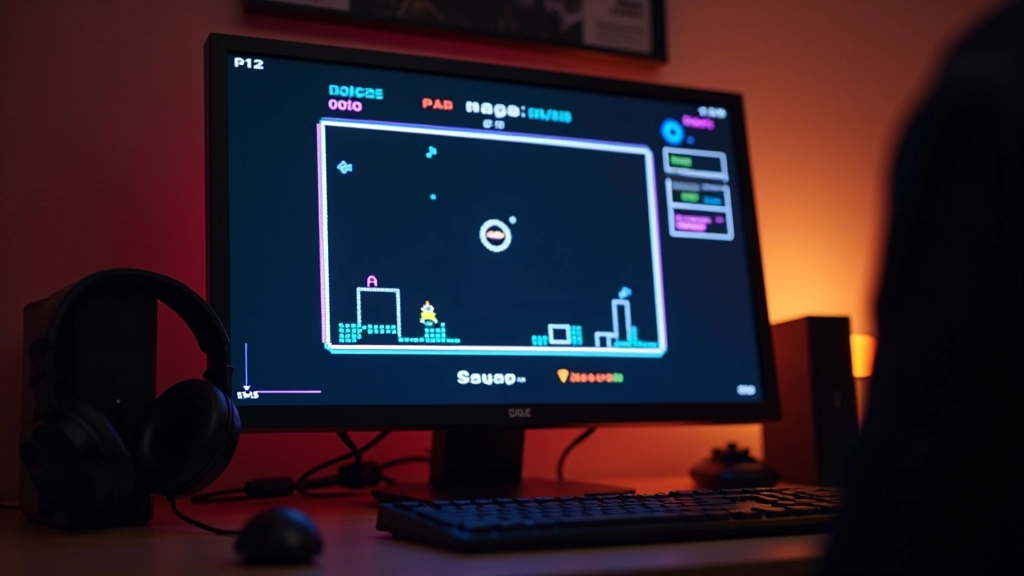
Start drawing shapes, sprites, and animations using the HTML5 Canvas API. We’ll cover rectangles, circles, and how to animate them smoothly within your game loop.
Understand how the game loop works and why it’s the heartbeat of every interactive experience you create.
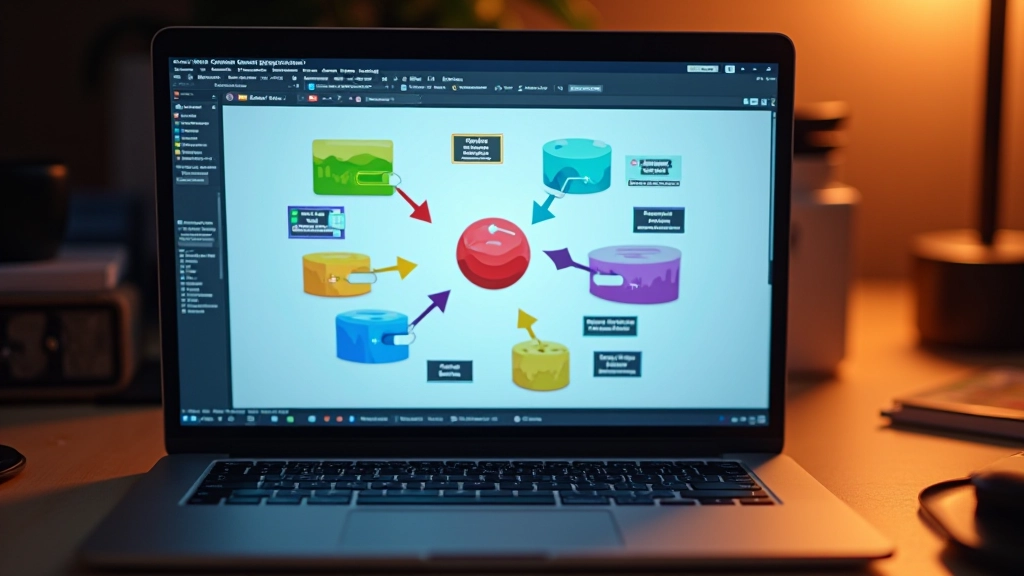

If you’ve ever wondered what makes games feel responsive and smooth, you’re looking for the game loop. It’s the engine that keeps everything running — input handling, updates, rendering, all on repeat. Think of it like the heartbeat of your game. Without it, nothing happens. With it, you’ve got a living, breathing interactive world.
The cool part? It’s not complicated. You don’t need a fancy game engine to understand it. A simple loop in JavaScript will teach you everything you need to know. Once you get this concept down, you’ll see how every game you play is built on this same basic pattern.
These three things happen dozens of times per second. That’s your game loop.
Let’s break down what actually happens inside the loop. You’ve got three distinct phases, and they need to happen in order, over and over.
First, input. You’re checking: Did the player press a key? Click the mouse? Touch the screen? You capture that information and store it somewhere accessible. It’s not processed immediately — you’re just recording it happened.
Second, update. Now you take that input and apply it. If the player pressed the right arrow, move the character right. If they jumped, apply gravity and collision checks. This is where all your game logic lives. Physics, AI, scoring, everything. You’re changing the state of your game based on time passing and player actions.
Third, render. You take the current state of your game and draw it. Canvas API, WebGL, whatever you’re using — you’re putting pixels on screen that represent where everything is right now.
Then it loops. The whole thing repeats 60 times per second (or however many frames per second your game targets). That’s smooth animation. That’s responsiveness.

Here’s where most beginners get tripped up. You can’t just write a loop that runs as fast as possible. Your computer would max out the CPU, and different machines would run your game at different speeds.
That’s why we use
requestAnimationFrame()
. It syncs your game loop to the browser’s refresh rate — typically 60 times per second. It’s built for this exact purpose. Your game will run smoothly on any machine because you’re not fighting against the browser’s rendering pipeline.
Why not setInterval? You could, but requestAnimationFrame is smarter. It pauses when the tab isn’t visible. It aligns with the display’s refresh rate. It’s the right tool for the job.
You’re targeting around 60 frames per second. That gives you about 16 milliseconds per frame to do everything — handle input, update logic, and render. That’s tight, but it’s doable. It’s why optimization matters once you get more complex.
Create a canvas element and get its 2D context. That’s your drawing surface.
Position, velocity, input flags — anything that changes during gameplay.
Listen to keyboard events and store which keys are currently pressed.
Check input, apply physics, handle collisions. Update all your game state.
Clear the canvas and draw everything based on current state.
Inside your game loop function, call requestAnimationFrame to schedule the next frame.

Beginners make predictable mistakes when first building game loops. Knowing what to avoid saves you debugging headaches.
Don’t update position while drawing. Separate concerns. Update everything, then render everything. Makes debugging way easier.
If you don’t clear the canvas each frame, you’ll draw over the previous frame. Creates trails and weird artifacts.
Frame rates aren’t always consistent. Use delta time (time since last frame) to make movement frame-rate independent. Otherwise your game plays differently on different machines.
The order you draw things shouldn’t affect gameplay. Collision detection, scoring, movement — these happen in update, not render.
The game loop isn’t some mysterious black box. It’s straightforward: get input, update state, render output. Repeat 60 times per second. That’s it. That’s the foundation of interactive games.
You’ve got the mental model now. Every game — from tiny browser games to AAA titles — uses this same basic pattern. They just layer complexity on top. Physics engines, particle systems, AI, networking — all of it runs inside this loop.
Build something simple first. A square that moves around. A ball that bounces. Get comfortable with the loop. Feel how it works. Once you’ve done that, adding features becomes way easier because you understand the heartbeat of your game.
Canvas and drawing go hand-in-hand with game loops. Learn how to render graphics to bring your game to life.
Explore Canvas and DrawingThis article is educational material designed to help you understand game loop concepts and implementation strategies. The code examples and techniques described here are based on established web development practices. Your actual implementation may vary depending on your specific project requirements, browser support needs, and performance constraints. We recommend testing thoroughly across different devices and browsers before deploying any game to production.